Timetable
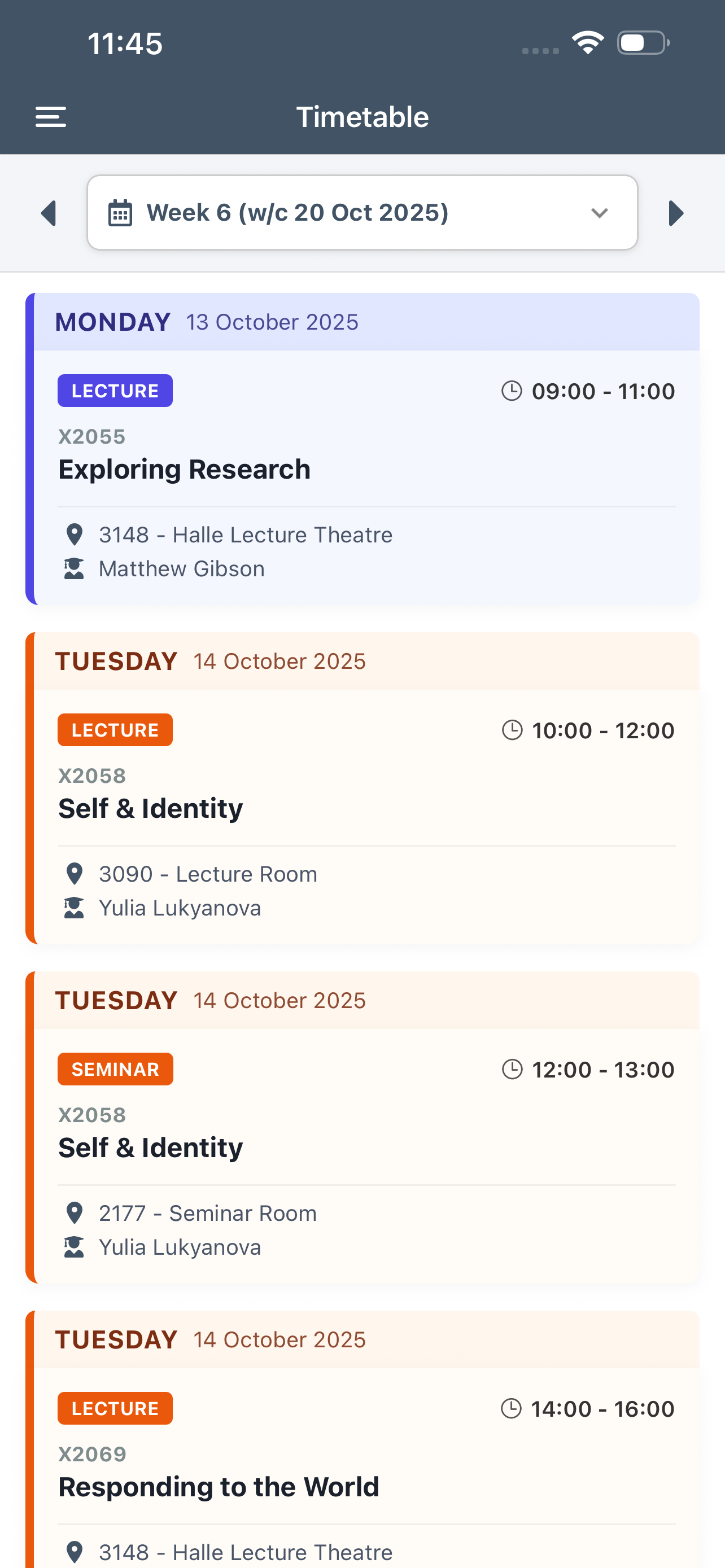
The timetable screen will display your entire year's timetable a week at a time.
You can navigate back and forward through weeks by taping on the left and right arrows at the top of the screen.
Tap on the dropdown list to go direct to a particular week. For quicker access you can also enter the week number in the search box.
Each day is colour coded and within each day classes are shown as individual cards.
Details shown include the day and time of the class and the room you should go to. Other details include related module and the name of the tutor taking the class as well as the type of class.
To view the tutor's staff profile and contact details tap on their name.