Navigation
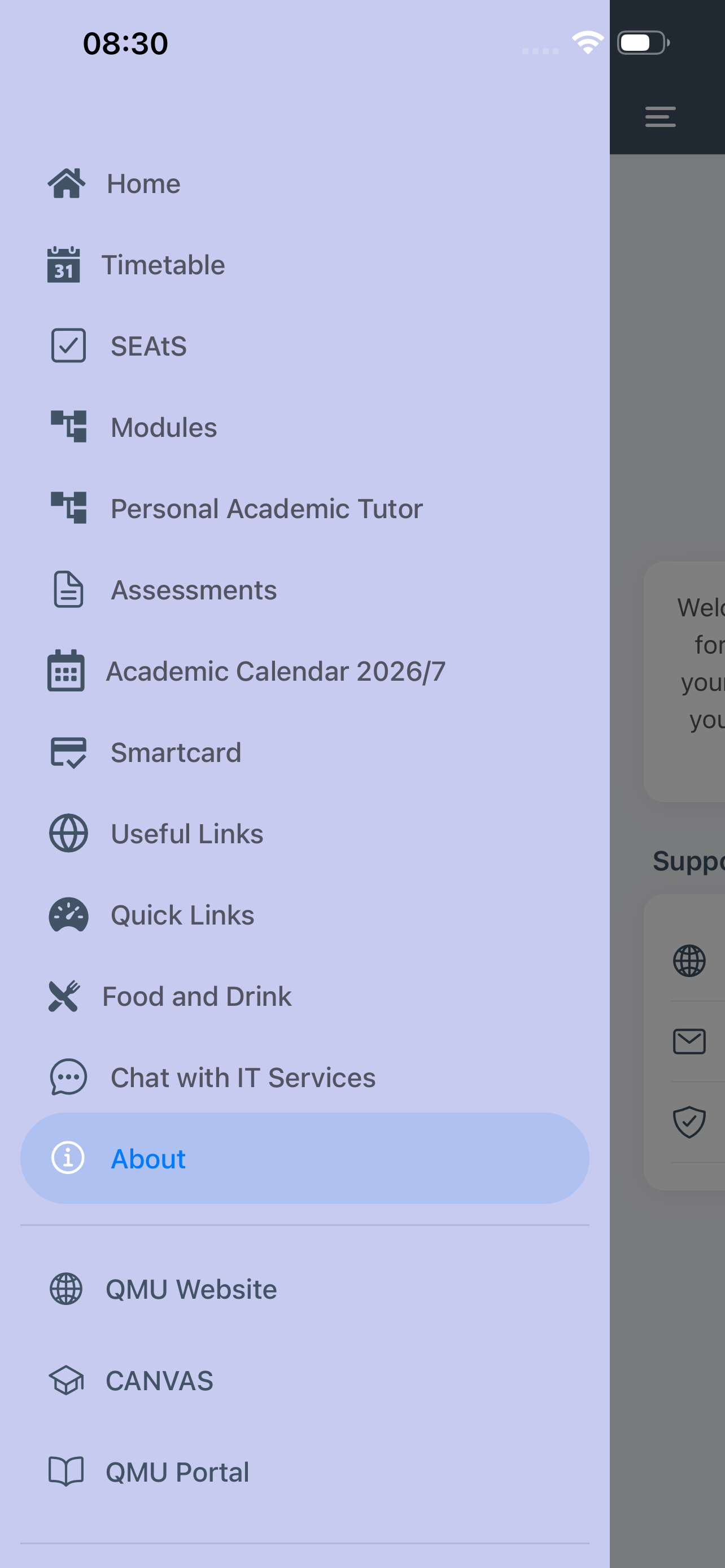
At the top left corner of each screen is an icon with three horizontal lines, often known as the hamburger. Tap on this icon and the app menu will slide out from the left of the screen.
You can also swipe the menu in from the left of the screen.
Tap on the menu item you wish and the menu will slide back and your chosen screen will appear. The name of each screen is shown in the title bar.
Menu options in the bottom section of the screen will load the relevant website in your default browser.
To logout of the app select the Logout option at the very bottom of the menu. On some smaller devices you may have to scroll the menu up and down with your finger.