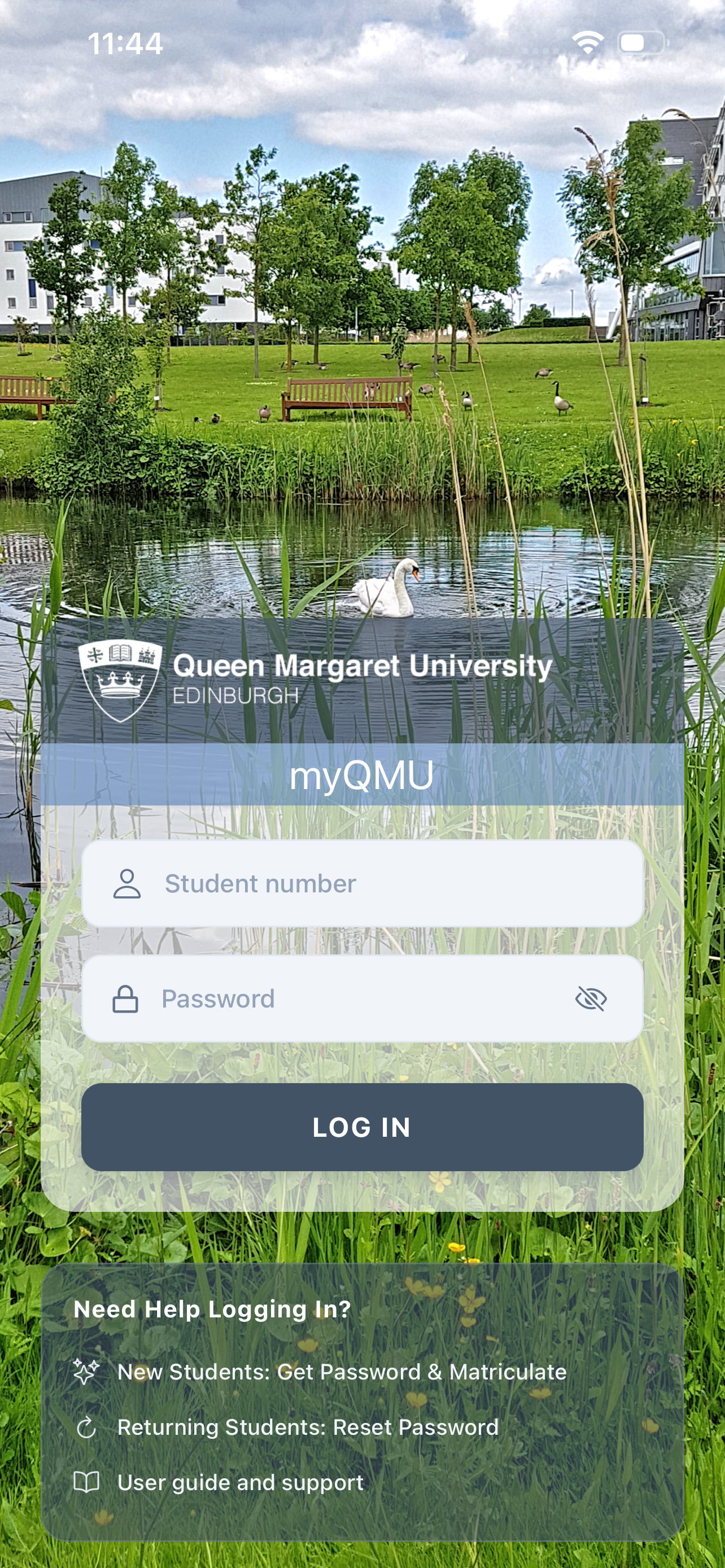
Login
You will not be able to access the mobile app until you have been allocated an IT account.
If you have an IT account then enter your 8 digit student number and your unique password. Click on the LOG IN button.
If you close or sleep the app then you will still be logged in and you will not have to log in again when you open the app again. To logout of the app select the Logout option at the bottom of the app menu.
Note that certain QMU systems are not compatible with certain symbols or characters. You should ensure your password only contains the characters listed below. You will see a prompt if your password contains incompatible characters. In this case click on the password reset link to change your password. For a secure password that is easy to remember why not combine three unique words with your lucky number.
If you do not yet have an IT account then click on the New Students link below the Log In button..
a through z, A through Z, 0 through 9,
* < > ! £ () [] {} | # . , ~ @ ; = $ ^ _ - ' "
% : + ? / \ & ` ¬